Run and export a report
Before you begin: identify the question, period, scope, grouping, and authorized audience.
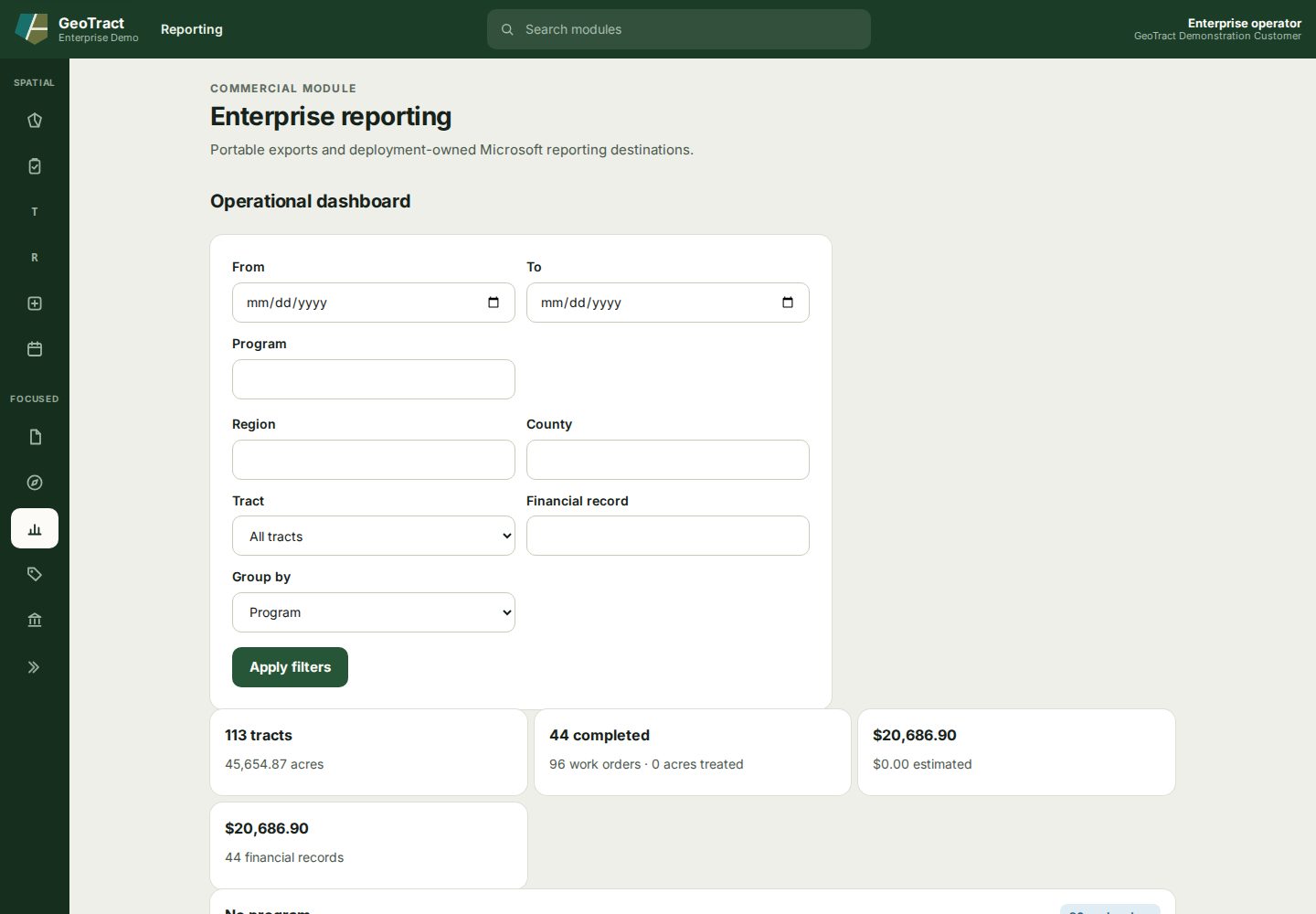
- Open Reporting.
- Set From, To, Program, Region, County, and Tract only as needed.
- Choose Financial record and Group by values.
- Select Apply filters.
- Review the summary cards and compare a sample with source records.
- For a portable finance result, select Download CSV under Finance postings (CSV).
- Record the filters and as-of time with the exported file and protect it according to its contents.
Done when: another authorized user can reproduce the result from the recorded filters and the export is stored and shared according to policy.