Register or review an acquisition intake
Before you begin: gather the approved referral or source document and confirm you are using the correct environment.
- Open Acquisition and search for the parcel or applicant to rule out a duplicate.
- If the public intake portal created the file, open it and verify the file number, applicant, county, acreage, asking price, source, and map context.
- To register an authorized document intake, select Add parcel.
- Under Extract intake from document, choose a deed, title, or survey and select Extract draft.
- Review and correct every extracted field before creating the file.
- Open the resulting file, attach approved source evidence, and confirm the Screening stage.
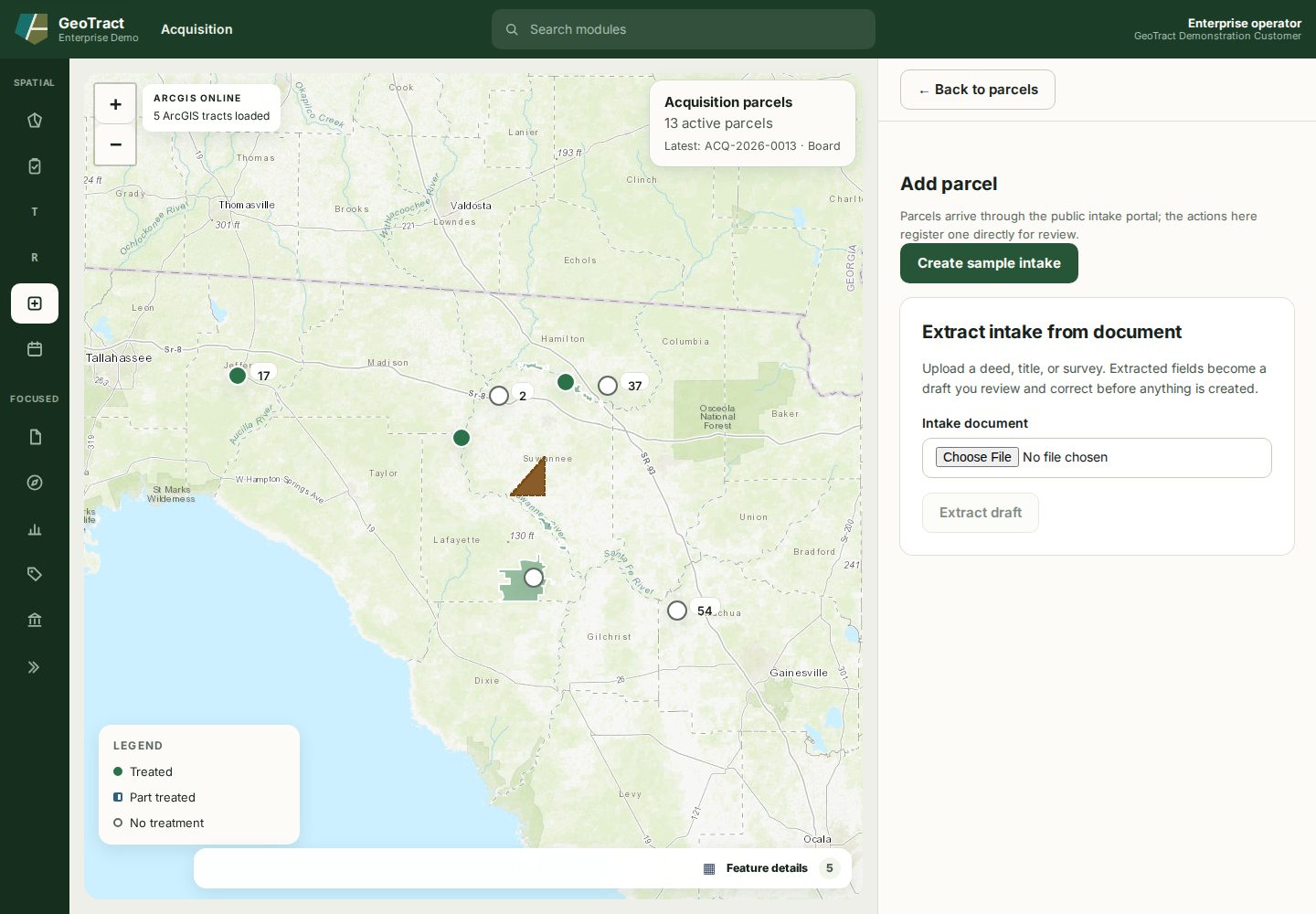
Do not use Create sample intake in production. It exists for demonstration and training.
Done when: one correctly identified file exists, its facts match the source, and it is ready for screening.