Contracts, purchase orders, and facilities
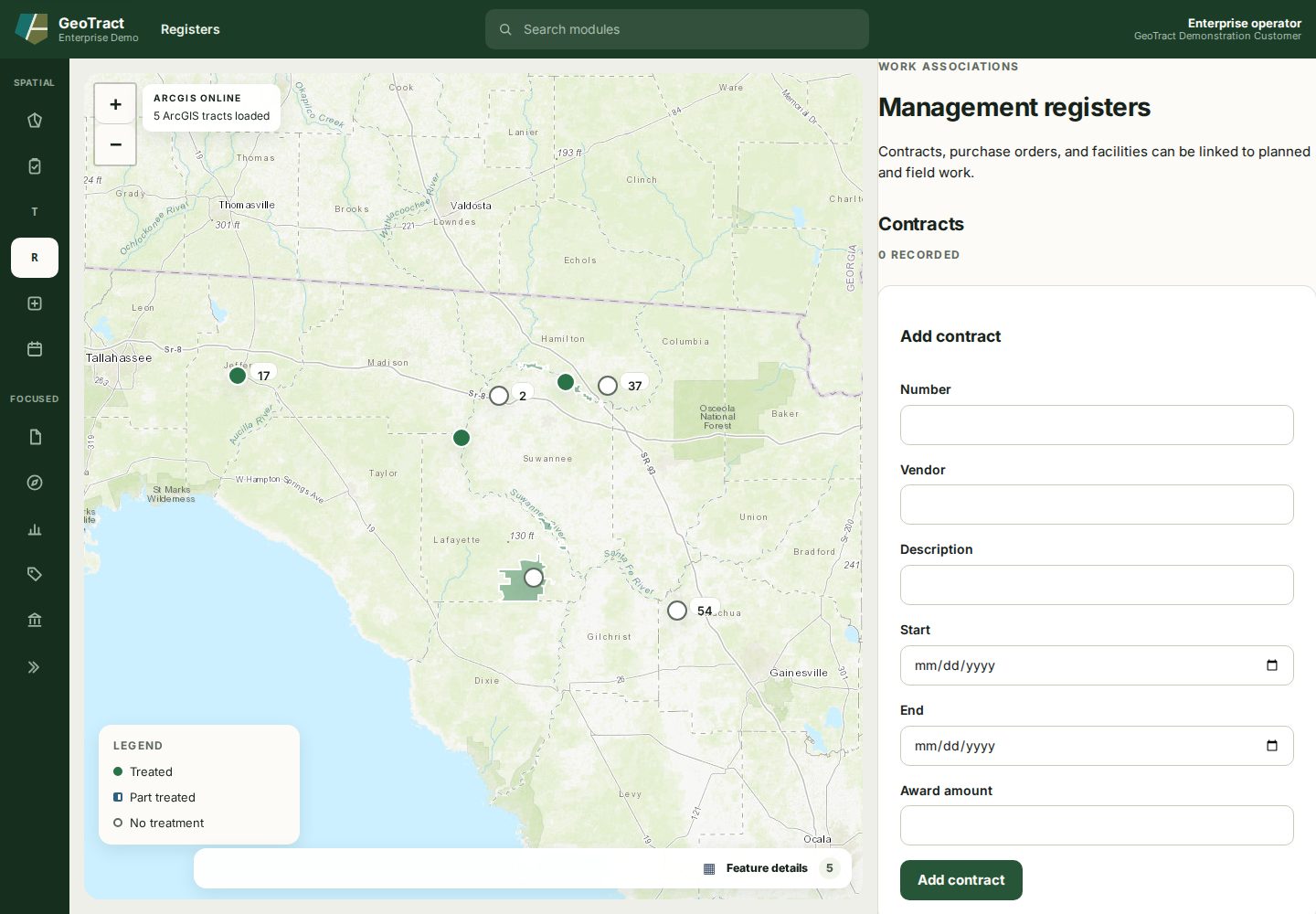
Open Registers to maintain work associations used by plans and field work. The workspace contains separate forms and lists for Contracts, Purchase orders, and Facilities.
Add records
- A contract records number, vendor, description, start and end dates, and award amount.
- A purchase order records number, vendor, amount, issued date, optional contract, and description.
- A facility belongs to a selected tract and records name, type, region, and description.
Search for an existing number or name before adding a record. Use the correct association when creating a work order; a note that mentions a contract or purchase order does not create the traceable link.
Close out a contract
A contract ends with a certificate, not by being ignored. Select Close out on an active contract to record that the work is complete and the invoices are in, release the unspent balance, and evaluate the contractor.
Enter Paid to date and the released balance is calculated and shown before you commit — it is the award less what was paid, so the figure on the certificate cannot disagree with the contract it belongs to. Where a contract overspent, the release shows as zero rather than a negative amount.
Five verdicts are required, and none is preselected:
- deliverables on time;
- deliverables complete;
- whether substantial editing was required;
- invoicing on time; and
- invoicing accurate with supporting documentation.
Answer each from the record rather than from memory. A default would put a judgment on the contractor that nobody made, and the evaluation outlives the contract — it is what informs the next award.
Closing happens once. Afterwards the contract shows who closed it, what was released, and the verdict summary, and the Close out action is no longer offered: the figures have been reported as final.