Reports and dashboards
Open Reporting to use the operational dashboard and deployment-owned reporting destinations.
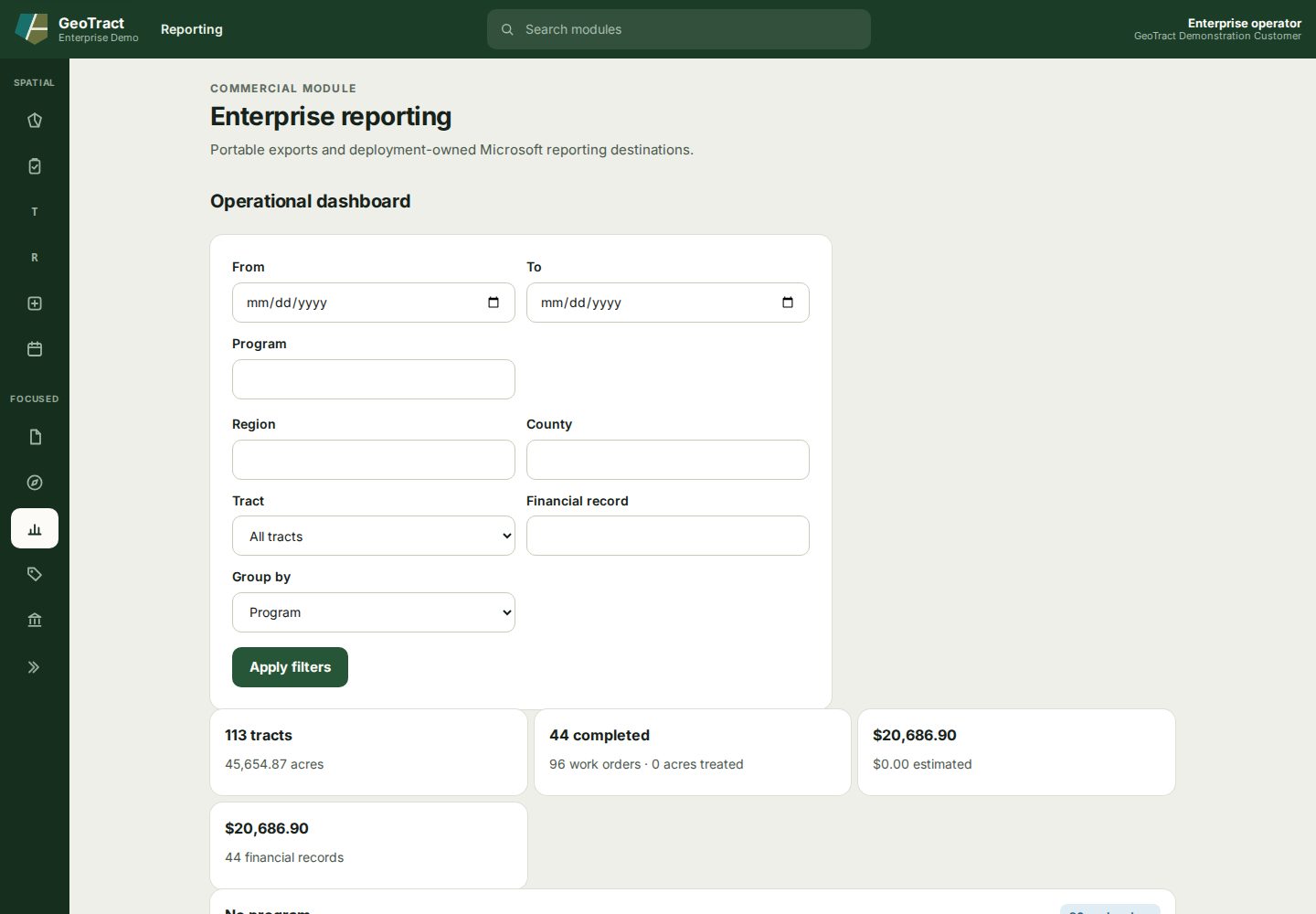
Filter and validate the dashboard
- Set From and To dates if the question is time-bound.
- Narrow by Program, Region, County, or Tract as needed.
- Choose the relevant Financial record option and Group by dimension.
- Select Apply filters.
- Read the tract, acreage, completion, work-order, cost, and financial-record summary cards.
- Compare a sample with its source records before using the result in a decision.
Export or open a reporting destination
- Finance postings (CSV) provides Download CSV without a reporting server.
- Finance reconciliation (SSRS) opens the deployment-owned SSRS report.
- Land program dashboard (Power BI) opens the configured Power BI workspace.
- AccuFund staging shows finance transactions and promotion status when that integration is configured.
Exports can contain sensitive or decision-relevant data. Record the filter values and as-of time with the result, store it according to policy, and confirm recipients are authorized. External SSRS, Power BI, and finance availability depends on deployment configuration.