Acquisition lifecycle
An acquisition file is the working record for evaluating a parcel before it becomes managed land. The workspace groups files as Screened, Review, Referred, and Approved and shows the detailed stage on every row.
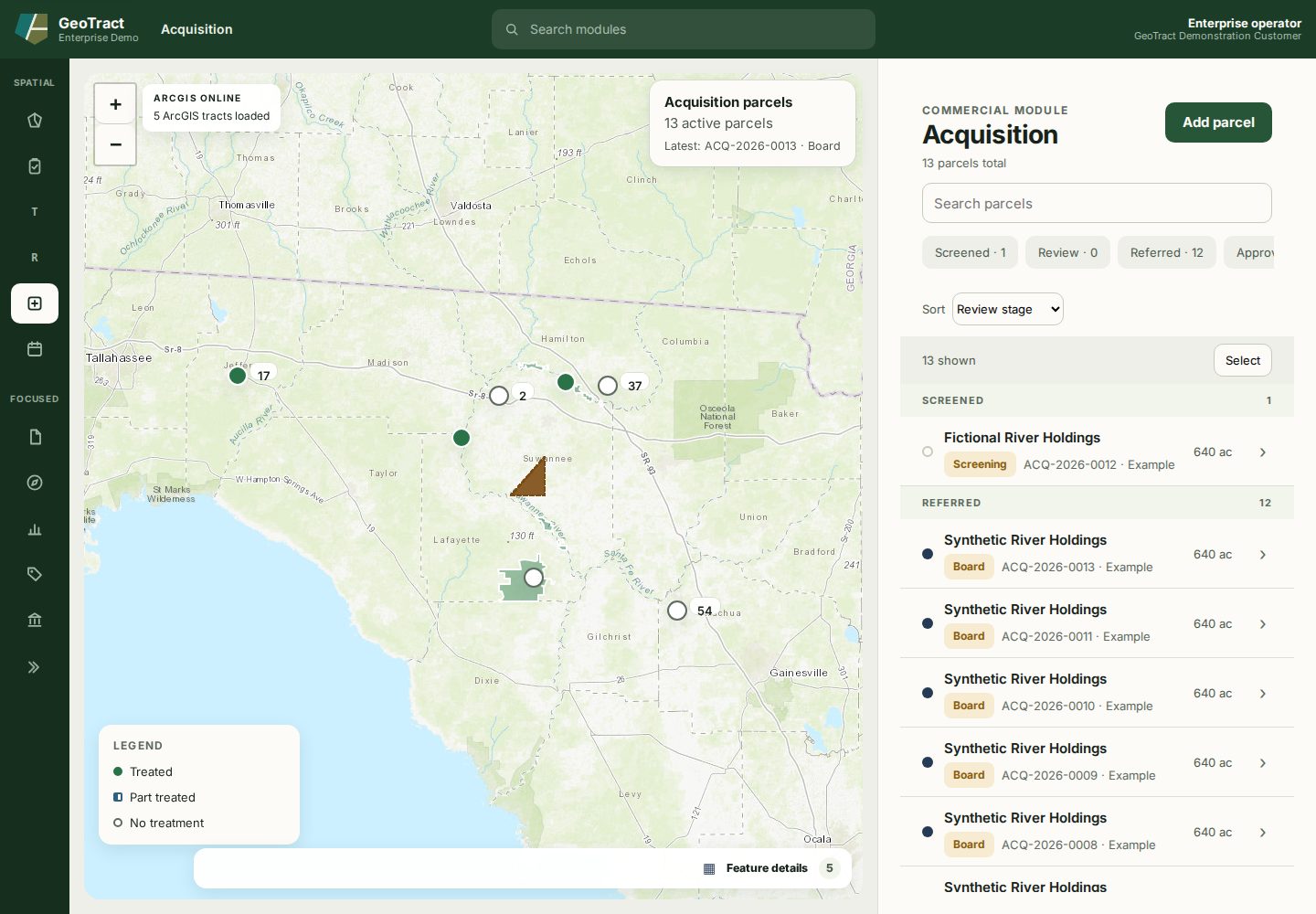
From intake to decision
- Intake: parcels normally arrive through the public intake portal. An authorized reviewer can use Add parcel to extract a draft from a deed, title, or survey. Create sample intake is for demonstration or training environments only.
- Screening: verify identity, county, acreage, asking price, source material, and map context; then select Complete screening.
- Prospectus and LAS review: record the evaluation and complete the Land Acquisition Selection criteria.
- Committee and referral: review the prospectus, score, evidence, and exceptions before referring the matter.
- Board: generate the board memo and LAS score sheet, then record the official outcome through the approved decision workflow.
- Approval and registration: satisfy closing conditions and connect the completed acquisition to the managed-land record.
The file's History records detailed stage changes such as Screening, Prospectus, LAS Review, Committee, and Board. The progress tracker summarizes those stages as Screened, Review, Referred, and Approved.
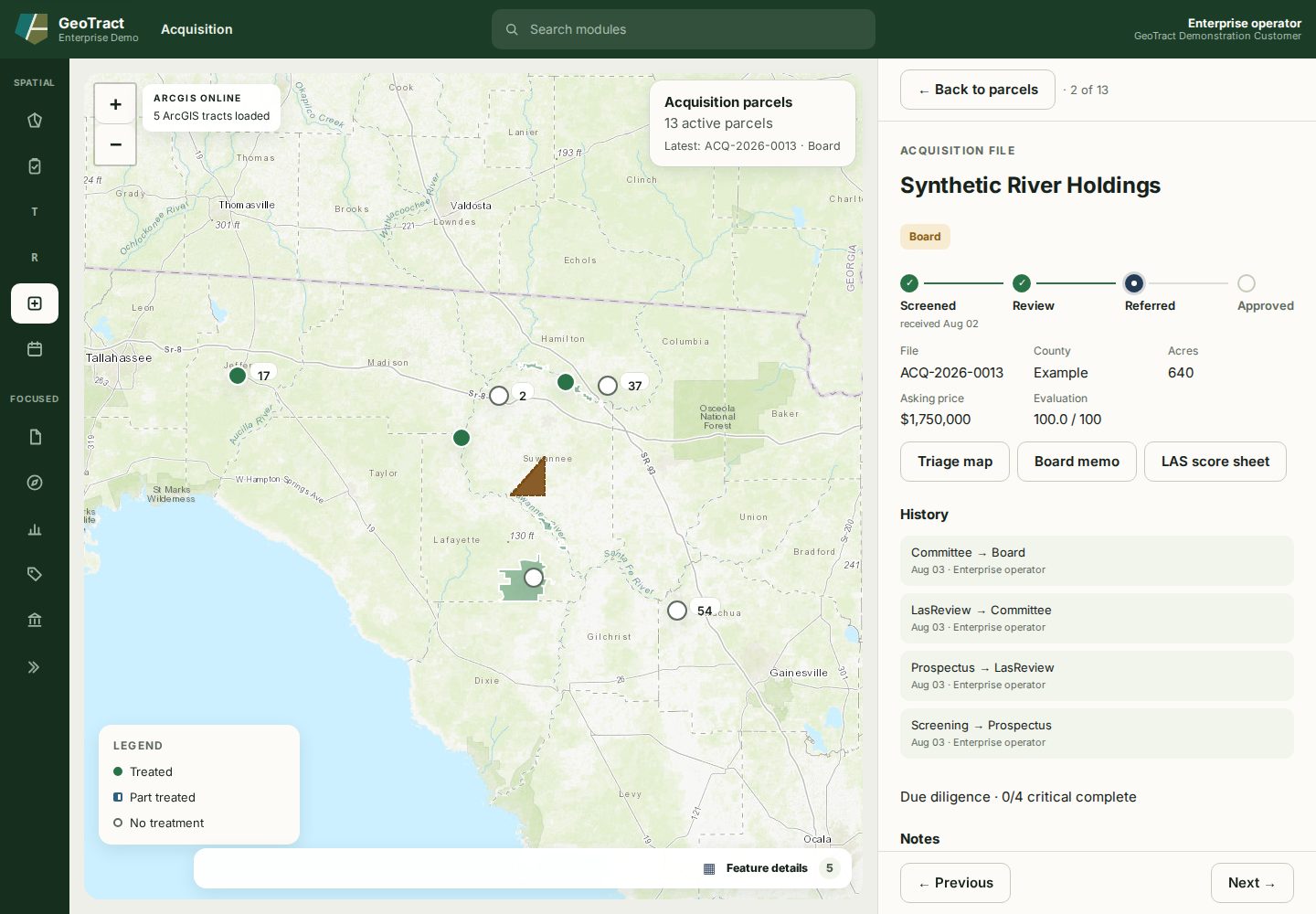
Advance a file only when its evidence supports the next gate. Record why a candidate is declined, deferred, or withdrawn rather than deleting its history.