GeoTract user guide
GeoTract brings land acquisition, stewardship, field work, disposition, documents, board decisions, and reporting into one traceable workspace.
Product-validated draft
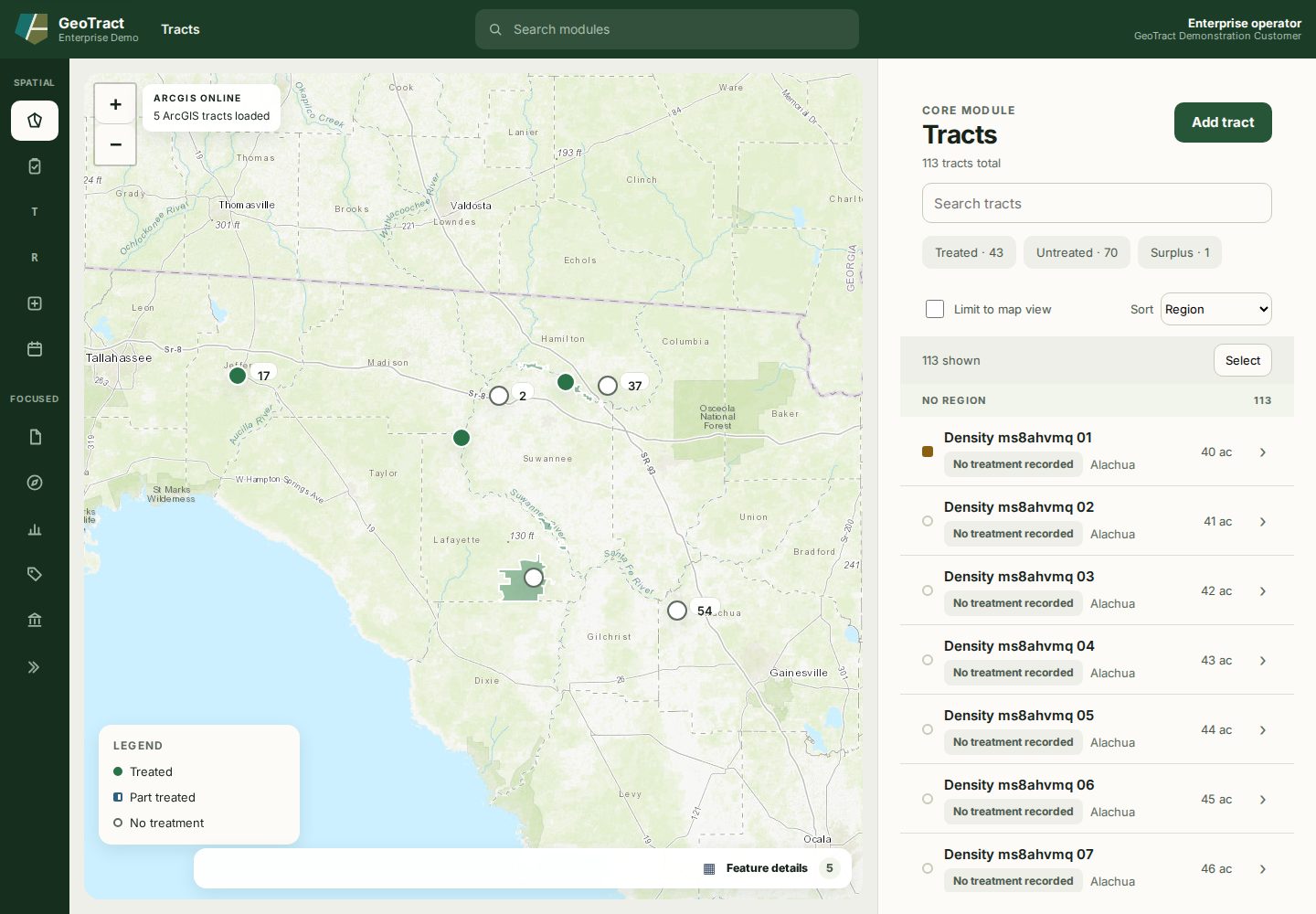
The labels and screenshots in this guide were validated against the GeoTract Enterprise demonstration release on August 6, 2026, and the Overview page was checked on August 8, 2026. District approval gates, roles, support contacts, terminology, and production integration destinations still require configuration and UAT.
Start with your goal
| I need to… | Go to… |
|---|---|
| Learn the screen layout and find a record | Sign in and navigate |
| See what needs attention across modules | Read the Overview |
| Move an acquisition from intake to decision | Acquisition lifecycle |
| Maintain tracts, plans, work orders, or field assignments | Land management |
| Maintain contracts, purchase orders, or facilities | Management registers |
| Document a disposition and board decision | Disposition lifecycle |
| Generate, read, or deliver a document | Documents and templates |
| Filter or export operational reporting | Reports and dashboards |
| Follow a short printable procedure | Quick Steps |
| Prepare for training or UAT | Learning paths |
| Resolve a problem | Get help |
Before entering information
- Confirm the environment, module, and record.
- Use approved sources for parcel, owner, financial, and decision data.
- Do not put protected information in general notes, screenshots, or routine support tickets.
- Save evidence on the record it substantiates.
- Read confirmation text before irreversible or externally integrated actions.
- If an action is unavailable, check your role and the record stage before requesting elevated access.
Use Previous and Next at the bottom of each page or the left navigation to move through the guide. See Guide version and screenshots for validation scope and remaining acceptance work.